
Download AdaptiveXP for Windows
One small app installs the AdaptiveXP addon in WoW: Forever, logs it in to your account and keeps it up to date by itself.
Already have one? Log in and the download starts here.
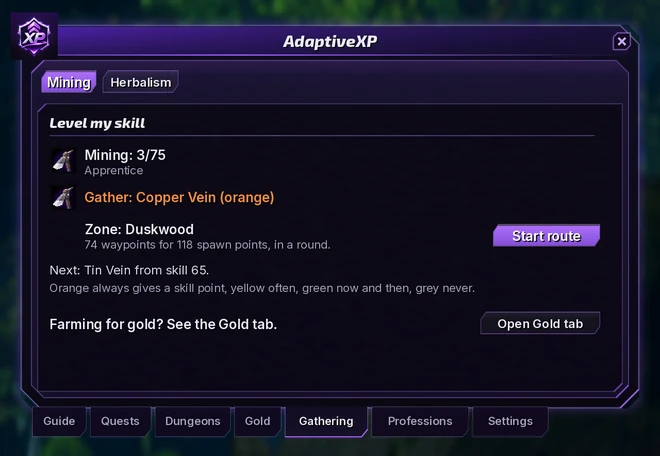
Three steps to your first plan
- 1
Create your free account
An email and a password. Free to level 20, no card needed.
- 2
Run the installer
The app finds your World of Warcraft folder and installs the addon there.
- 3
Press Continue leveling
Log in once in the app, start WoW: Forever and AdaptiveXP plans your next hour.
What you need
- Windows 10 or 11
- WoW: Forever
- A free AdaptiveXP account, used on one PC at a time
- For most features, the free Questie addon: the app tells you whether it is installed
How do I install AdaptiveXP?
Create a free account, download the Windows app and run it. The app finds your World of Warcraft folder, installs the addon there and keeps it up to date by itself.
Do I need to install the addon myself?
No. The app installs the AdaptiveXP addon in every game it finds and updates it when there is a new version. Log in once in the app with your account.
Is it free?
Yes, up to level 20, with every feature. Pro covers every level: €14.95 a month, €34.95 a year or €49.99 once for life.